You’re in control
Connected when you choose.
Swipe to the Settings home page on your watch for connection and sync controls, held-log recovery, pairing help, and app information. Check the paired device’s make and model, connection, and last sync in Diaroo on either device after both apps are updated. Disconnect from either side to stop sharing. Your phone journal stays in place.
Can I use more than one watch?
Connected Wear OS watches share the same phone journal, with a separate connection and sync status for each watch. Each paired watch with the updated watch app attempts to connect automatically, unless you previously disconnected it. iPhone syncs with one active Apple Watch at a time; switch watches in Apple’s Watch app. Disconnecting in Diaroo on a watch stops only that watch. Disconnecting in Diaroo on the phone stops all watches. Offline watches receive that change when they reconnect.
What happens when I disconnect?
Disconnecting on the watch clears its visible phone history immediately. Disconnecting on the phone stops new imports there; the watch clears its history when it receives that change. An offline watch cannot receive the change immediately. Your Disconnect choice stays in place across restarts and automatic discovery. Choose Connect on the device where you disconnected to resume. Local-only logs remain available. Unsent linked logs stay held and require confirmation before moving into a reconnected journal.
How do I fully unpair my watch?
Diaroo’s Disconnect control affects Diaroo only. To remove the device pairing, use Apple’s Watch app or your Wear OS manufacturer’s setup or system settings. Full unpairing can erase the watch. Sync any logs you want to keep first. Apple’s unpairing instructions.
What is shared with the watch?
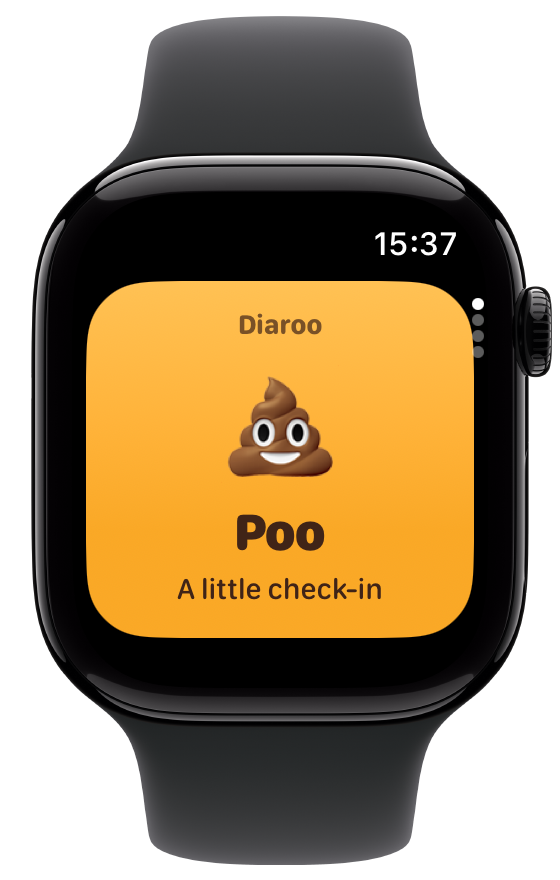
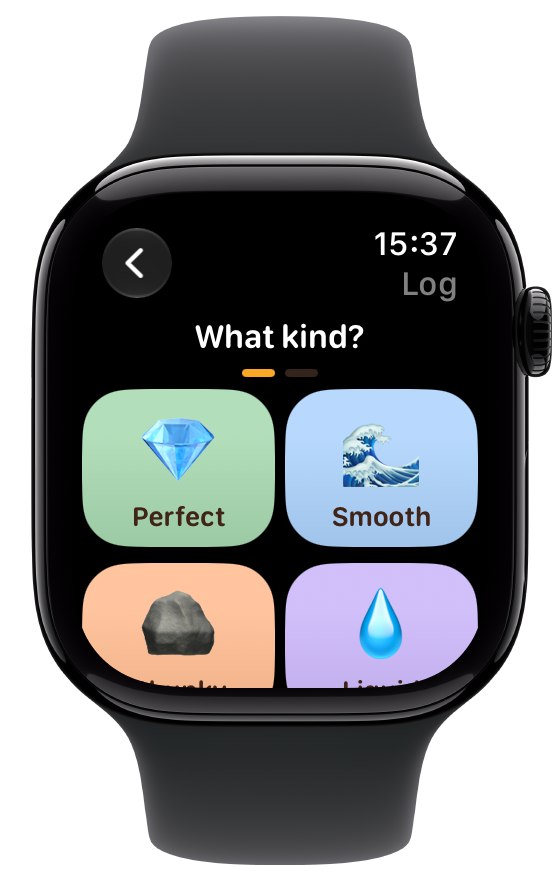
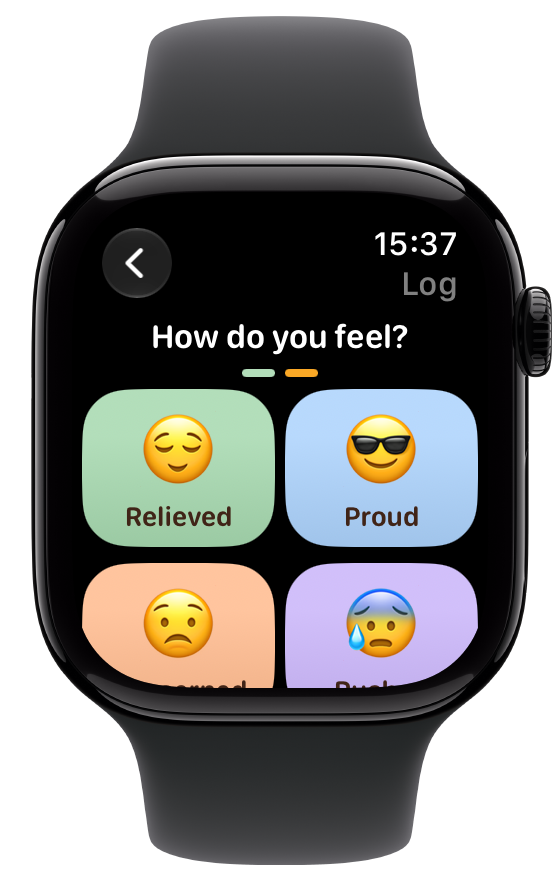
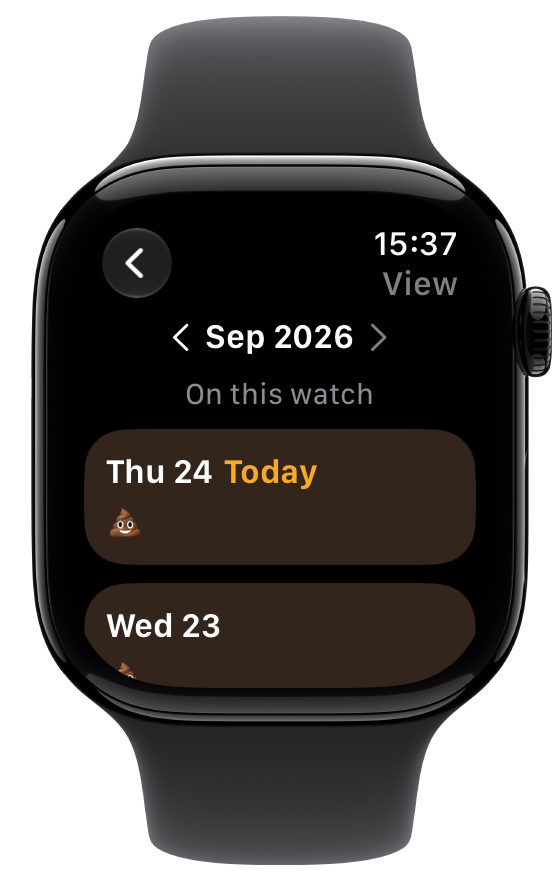
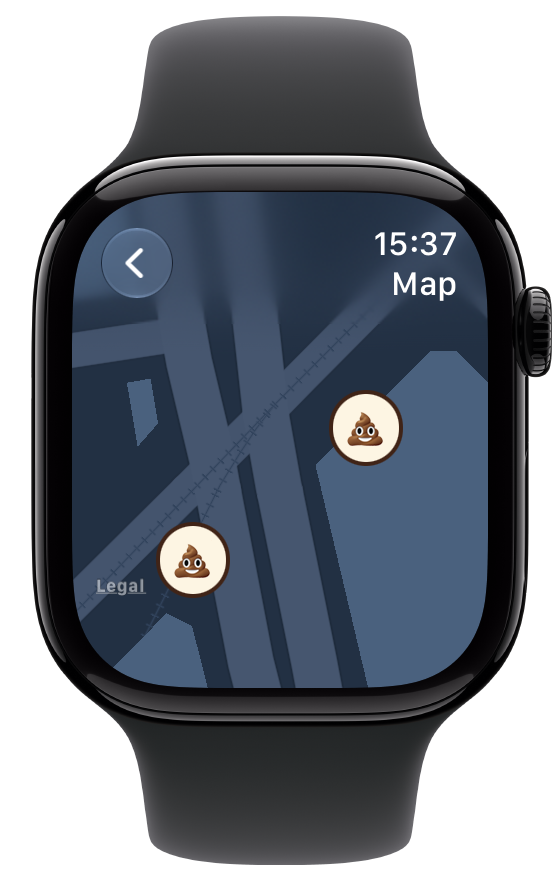
Optional sync shares entry type, mood, time, origin, IDs, saved location coordinates, recent history, and the language, theme and connection information needed to sync. Structured bladder details and Premium access also sync. Free-text notes, bowel symptoms, passwords and account sign-in tokens are not sent to the watch. With permission, a brief foreground fix can locate a new entry or center your map. No continuous tracking or health-sensor reading is used. Read the watch privacy details.
Do I need Premium or an account?
Bowel watch logging, recent history, and phone–watch sync remain free. The bladder diary is included in existing Premium and lifetime access. Reading previously saved bladder logs remains available after Premium ends. No Diaroo account is required for phone–watch sync. After installation, free Poo logging and local history work offline. A compatible paired iPhone with Diaroo is used for optional phone sync and confirming Premium access. Signing in on the phone enables its existing cloud journal sync.
For personal wellness journaling. Diaroo does not provide medical advice, diagnosis, or treatment.